 CamHold
Blog
Short guides about your camera, video calls and what a Mac can do with them. Written by the person who makes CamHold.
-
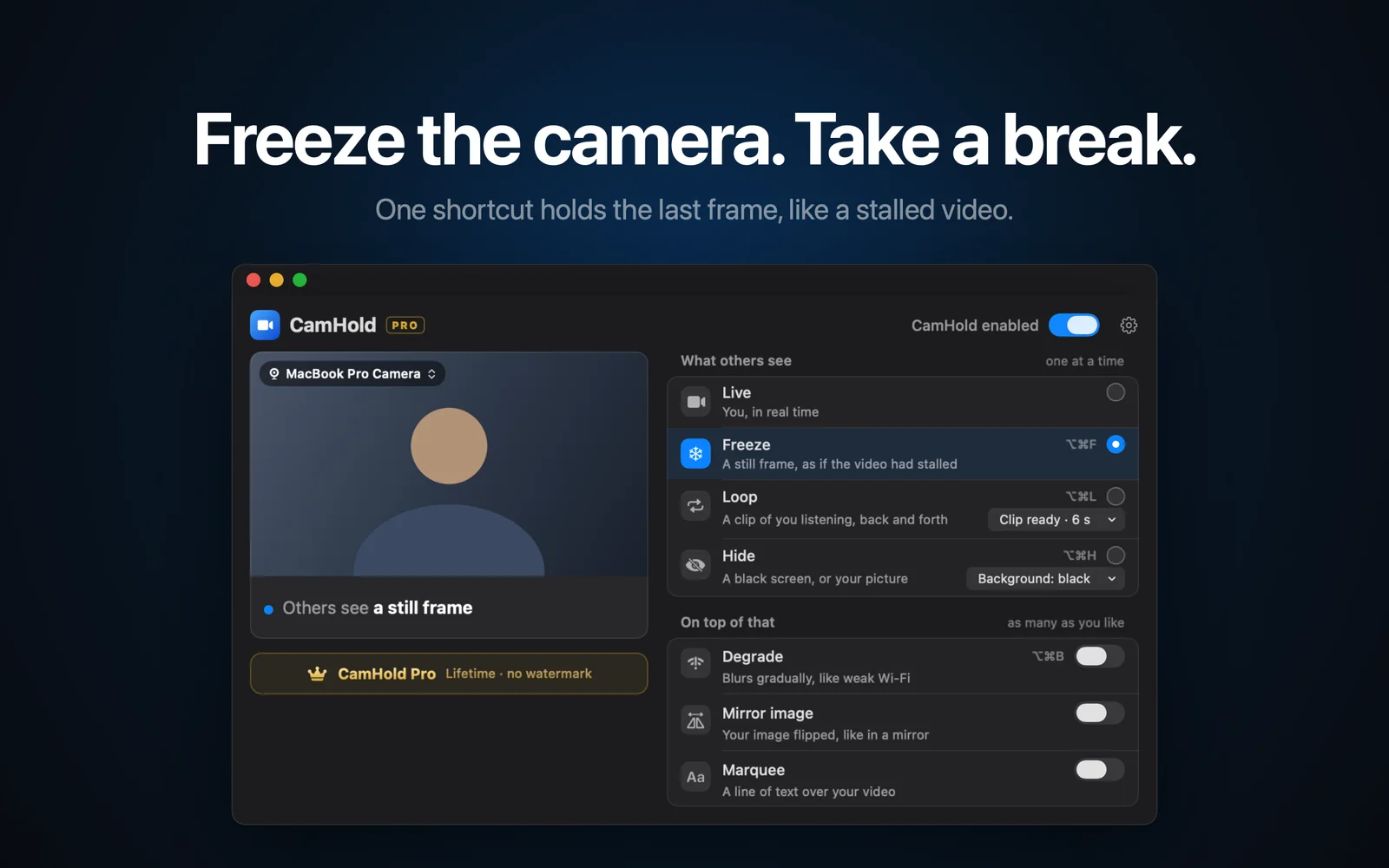
How to freeze your camera in Webex on a Mac with a shortcut
Webex can blur your background or stop your video, but it cannot hold a frame. Here is how to pick a camera in Webex and freeze or loop your video on a Mac.
-
A FreezingCam alternative for Mac without a subscription
FreezingCam freezes, loops and fakes a bad connection, but only on a subscription. Here is what it costs and which Mac alternatives you pay for once.
-
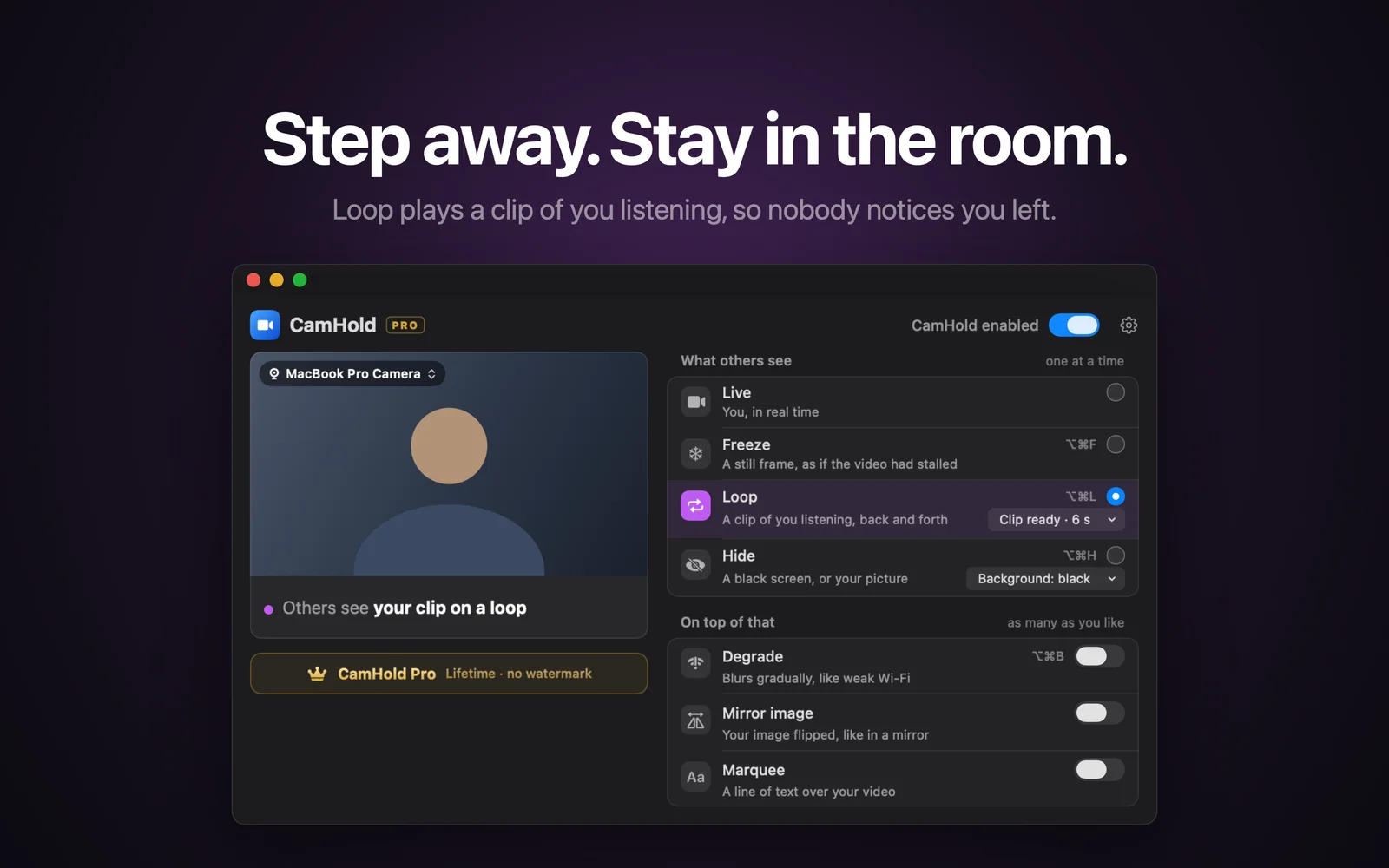
Lighting for video calls: fix it with what you have at home
Window, lamps, glasses glare and camera height: how to fix your lighting for video calls without buying anything, plus the free settings in macOS and apps.
-
How to look attentive on camera in long meetings
Camera height, eye line, posture, small nods and framing: simple changes that make you look engaged in long meetings, plus how to record a natural Loop clip.
-
Stepping away from a video call: etiquette for a quick break
When stepping away from a video call is fine, when to type a line in chat, how long is too long, and the shortcuts that mute you and handle the camera.
-
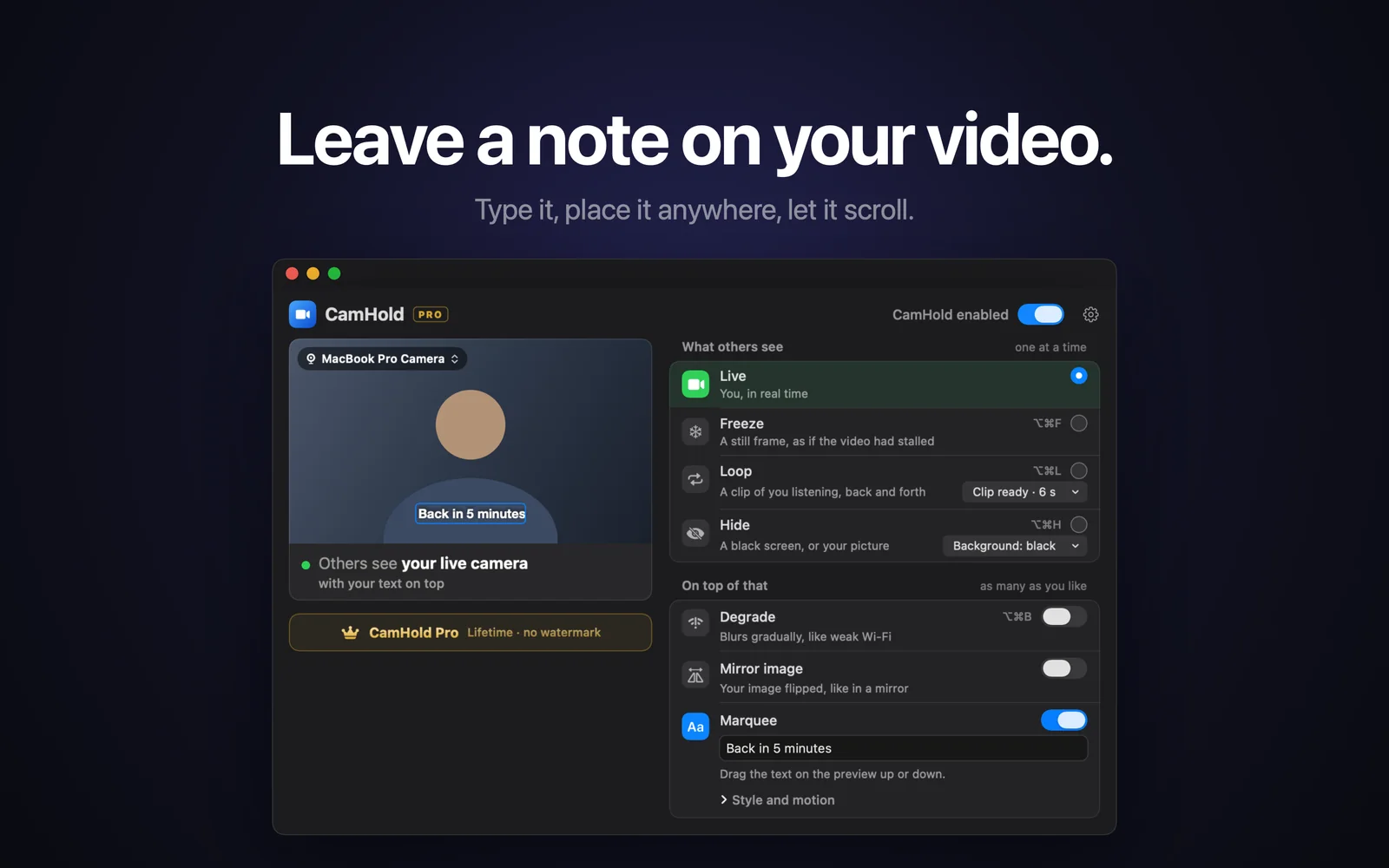
How to put text on your video in a Zoom, Meet or Teams call
A "back in 5" note or your name right on your picture. What Zoom, Meet and Teams let you do for free, and how to write on your camera with CamHold.
-
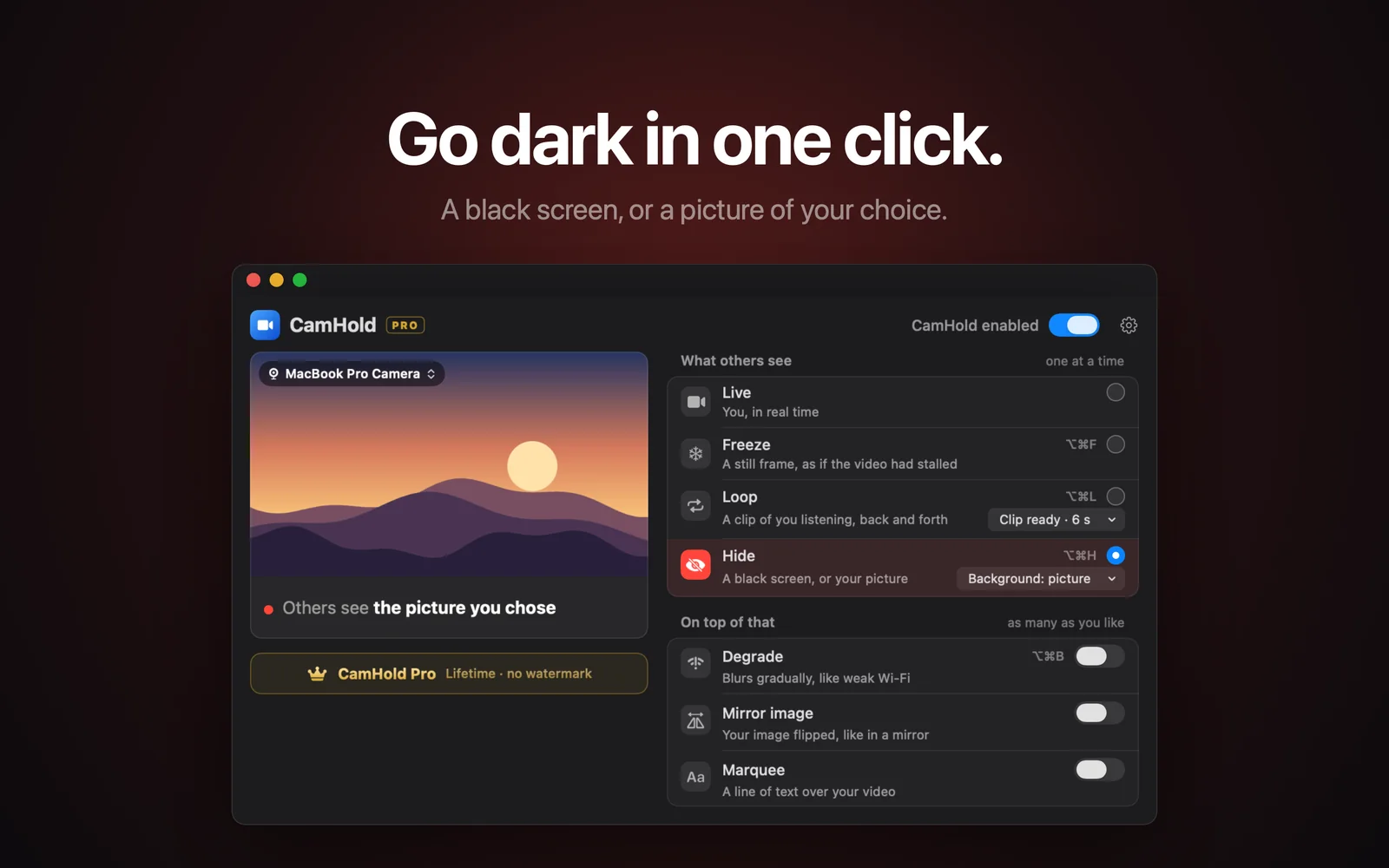
Mac video effects in calls: Portrait, Studio Light and more
Where to find Portrait, Studio Light, Center Stage, Background and Reactions on a Mac, which Macs support each one, and what changes with a virtual camera.
-
Bad internet on a video call: fixes that actually work
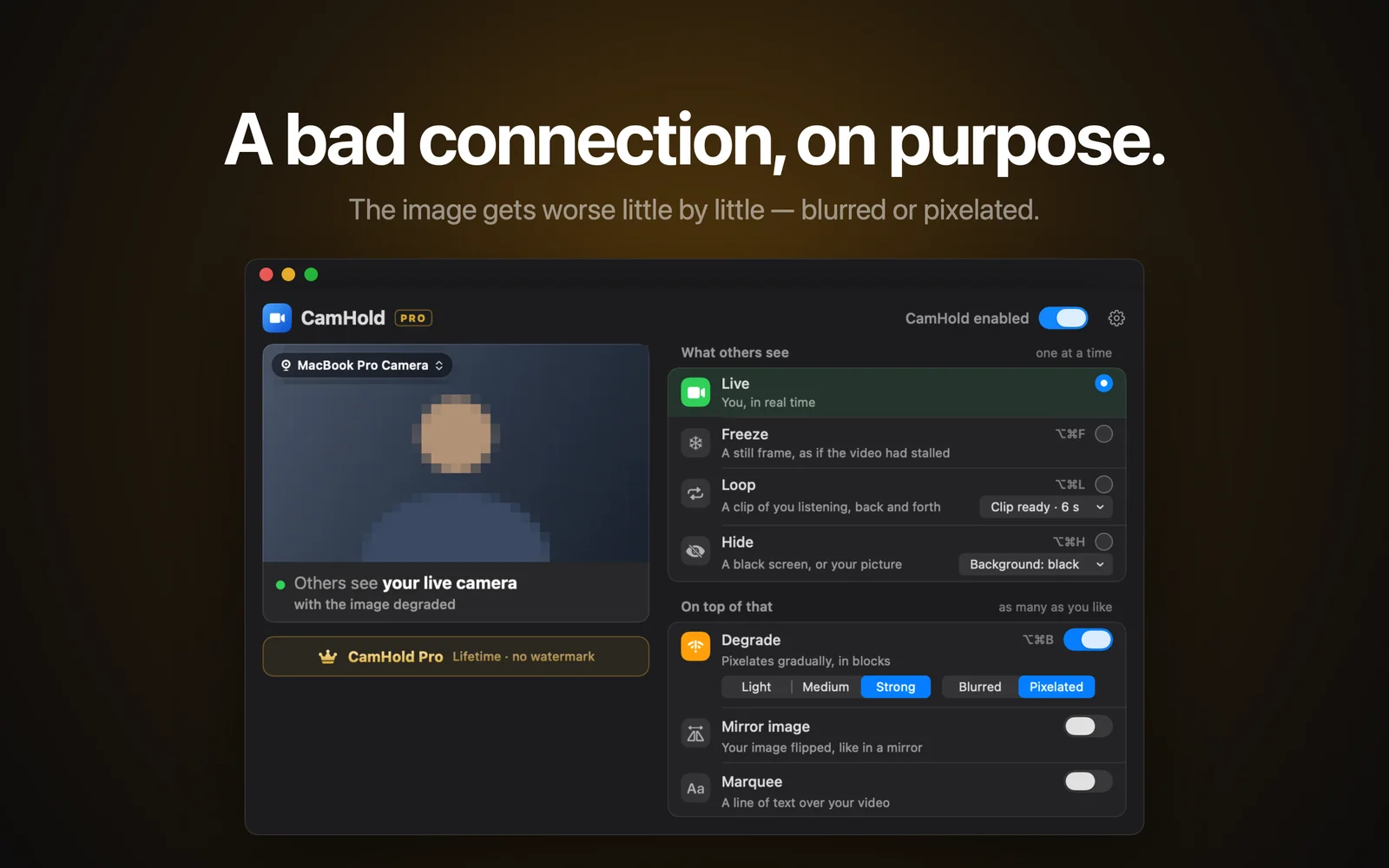
Video freezing on Zoom, Meet or Teams? Test your connection, switch from Wi-Fi to a cable, move the router, stop background uploads and lower video quality.
-
Best virtual camera apps for Mac in 2026, by use case
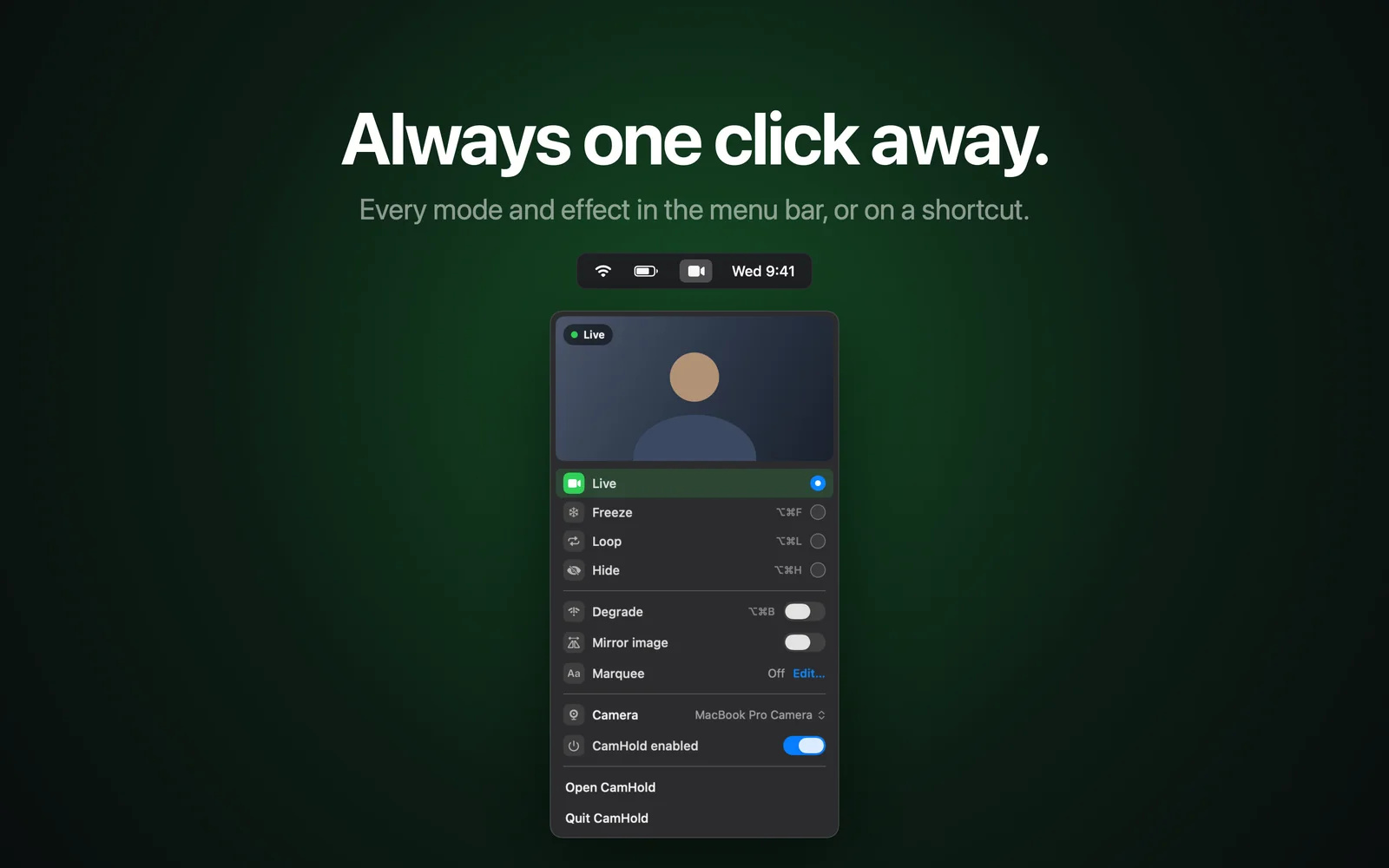
OBS, Camo, Continuity Camera and CamHold: which virtual camera app to use on a Mac to stream, turn your iPhone into a webcam, or freeze yourself in a call.
-
Mandatory camera-on meetings: how to handle the policy
Required to keep your camera on in every meeting? Why companies ask for it, where the fatigue comes from, and what helps: your manager, audio-only time, breaks.
-
Mac camera permissions: how to allow, revoke and reset access
Where camera permissions live on a Mac, how to allow or remove an app's access, how browsers add a second layer, and how to reset it all from Terminal.
-
How to use an external webcam on a Mac, even with the lid closed
Plug a USB webcam into your Mac, pick it in Zoom, Meet, Teams and FaceTime, use it with the MacBook lid closed, and fix it when the Mac does not detect it.
-
How to freeze your camera on Discord on a Mac (app and browser)
Discord has no freeze button. Here is where to pick your camera in the app and the browser, and how to hold a still frame or loop a clip on a Mac.
-
Camera in Slack huddles on a Mac: turn on, switch, freeze
How to turn on your camera in a Slack huddle, choose which webcam Slack uses, fix a camera it can't find, and hold your picture still or hidden on a Mac.
-
CamHold vs FrostCam vs CamLoop vs FreezingCam on Mac
Five Mac apps that freeze or loop your camera in Zoom, Meet and Teams, compared on price, where to get them, features and macOS, plus where each one wins.
-
How to freeze your camera on FaceTime on a Mac, not just pause it
FaceTime can only pause your camera. Here is what Mute Video does, how to pick a camera in FaceTime's Video menu, and how to hold a still frame instead.
-
Green light next to the Mac camera: what it means, who's using it
The green light next to your Mac camera means the camera is on. Here is what it tells you, the green dot in the menu bar, and how to see which app is using it.
-
How to hide a messy room on a video call (Zoom, Meet, Teams)
Background blur and replacement in Zoom, Meet and Teams, Portrait and Background on the Mac, camera angle, and what to do when the mess shows up mid-call.
-
Camera not working in Google Meet on a Mac? How to fix it
Meet says your camera is blocked or your tile stays black on a Mac? Check site permission in Chrome and Safari, macOS camera access and Meet's camera picker.
-
Camera not working in Teams on a Mac: how to fix it
Camera black or missing in Microsoft Teams on your Mac? Check the macOS permission, the camera picked in Teams settings, the cache and the rest, in order.
-
OBS Virtual Camera on Mac: How to Set It Up for Zoom and Meet
How to install OBS on a Mac, allow its camera extension, start the virtual camera and pick it in Zoom, Meet or Teams, plus fixes for when it doesn't show up.
-
Zoom, Google Meet and Teams keyboard shortcuts on a Mac
The Mac keyboard shortcuts to mute, toggle the camera, raise your hand and leave in Zoom, Google Meet and Microsoft Teams, checked against each vendor's docs.
-
How to use your iPhone as a webcam on a Mac (Continuity Camera)
Continuity Camera turns your iPhone into a Mac webcam with nothing to install. Requirements, setup, Desk View, Center Stage and picking it in Zoom, Meet, Teams.
-
How to freeze your camera in Google Meet on a Mac
Google Meet runs in the browser and has no freeze button. How to pick another camera in Meet, fix the permission, and hold your video still with a shortcut.
-
How to pause your video in Microsoft Teams on a Mac
Teams can only turn your camera on or off. Here is what it gives you for free, what background effects do, and how to hold a still frame with a virtual camera.
-
Mac camera not working in Zoom: how to fix it
Camera missing or black in Zoom on your Mac? The usual causes, from macOS camera permission to another app holding the camera, and how to fix each one.
-
Mac camera mirrored on calls: what others actually see
Your video looks flipped on a call? Here is what others really see, how to turn off mirroring in Zoom, Teams and Webex, and when to flip the camera output.
-
How to show a picture instead of your camera in a call
Your profile picture with video off in Zoom, Meet and Teams, or an image you pick while the camera stays on. When each one fits and how to set it up on a Mac.
-
How to turn off gesture reactions on a Mac (balloons, hearts)
Balloons, hearts or fireworks showed up after a hand gesture? See where to turn off Reactions in the Mac Video menu, app by app, and which Macs have it.
-
How to step away from a Zoom meeting unnoticed
How to step away from a Zoom meeting unnoticed: mute first, Freeze for seconds or Loop for minutes, what the host can see, and what to check coming back.
-
How to fake a bad connection on a video call
A picture that blurs or breaks into blocks, gets worse gradually and recovers. Here is what a real bad connection looks like on screen, and how to reproduce it on a Mac without turning your camera off.
-
How to freeze your camera on Zoom, Google Meet and Teams on a Mac
None of them has a freeze button. Here is what the apps themselves can do, and how to hold your video on a still frame on a Mac with one shortcut.
-
How to loop a video of yourself on Zoom, Meet or Teams
The trick of using a recording of yourself as your Zoom background went viral in 2020, and it has problems. Here is a way that works in any app, and how to record a clip nobody will notice.
-
Virtual cameras on a Mac: how they work, and what to do when Zoom doesn't show one
What a virtual camera is on macOS, why the system asks you to approve an extension, and what to check when it is missing from Zoom, Meet or Teams.